
While we suggest using your own photos, you may need some stock photos at one point. Unsplash is a great website for finding high-quality, Creative Commons photos.
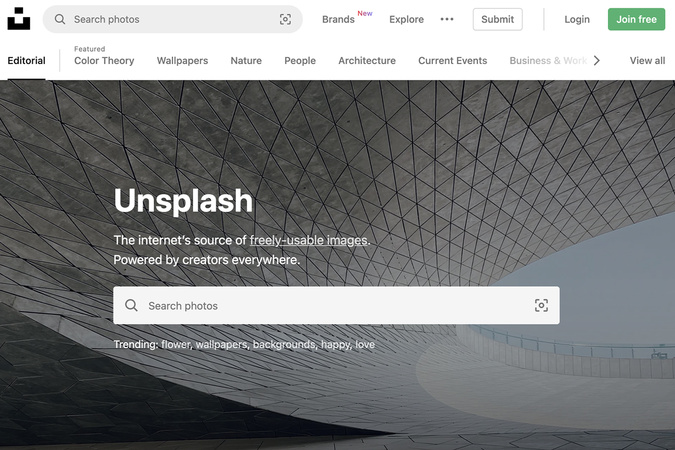
Step 1
To get to Unsplash, click here.
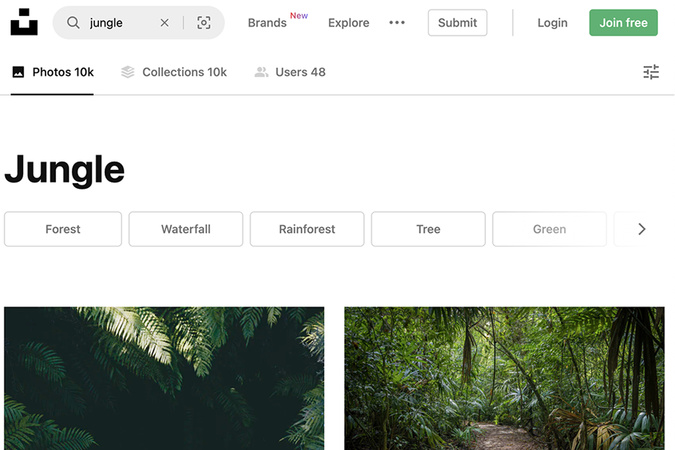
Step 2
Use the search bar to look for any photo you need. In this example, we searched for “jungle” photos. Look through the photos and find one you would want to use for your portfolio.

Step 3
Once you have found a photo you want to download, hover over the photo and click the downward-facing arrow on the lower right of the photo. The photo will automatically download to your computer.
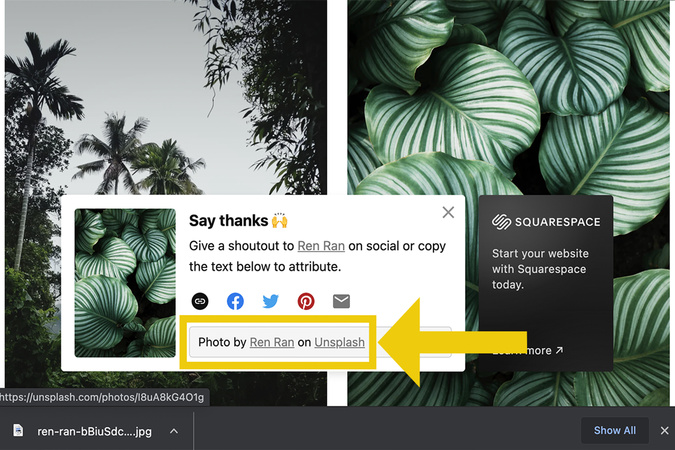
Step 4
You will get a pop-up asking to say thank you to the photographer. Copy the text at the bottom. This will be used to cite the photo’s source in your portfolio. You can either use this as a caption or create a citations page.
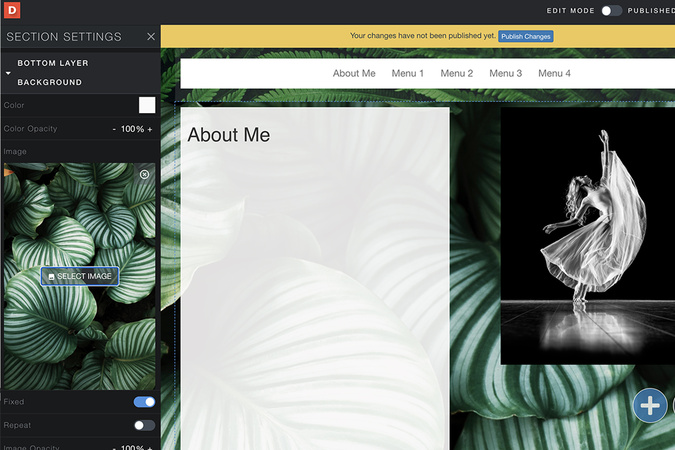
Step 5
Go back to your portfolio and upload your photo! Need a refresher on how to upload photos? Click here for the tutorial.

Digication Login
Creating a well designed portfolio is a must. Use Digication to log in to Aportfolio and manage your ePortfolio. Alumni may sign in at appstate.digication.com.