
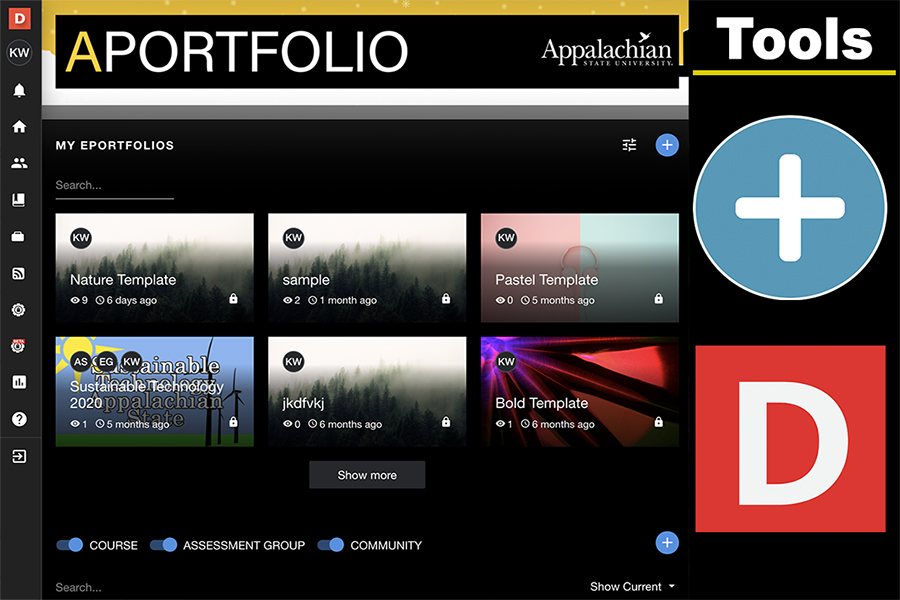
Aportfolio Dashboard Tutorial
This tutorial will guide you through the main dashboard in Aportfolio.
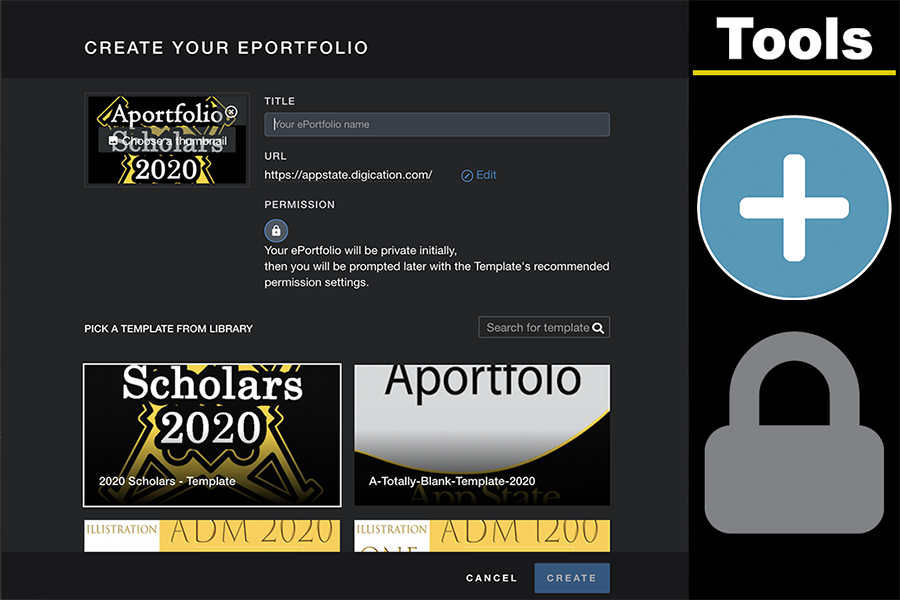
Initiating Your Aportfolio
This tutorial will guide you through the steps of creating your ePortfolio. Play Initiating Your Aportfolio Video Tutorial
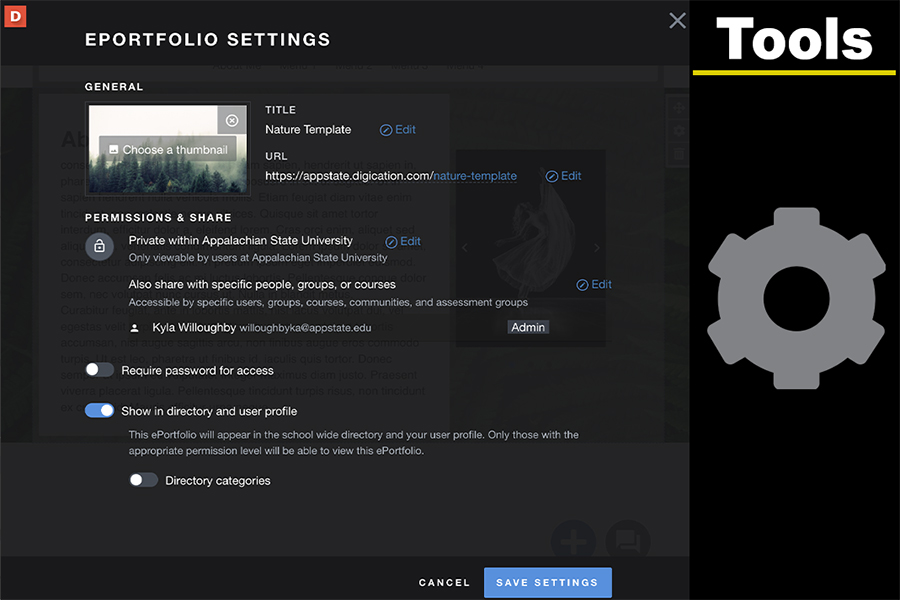
Adding Course Permission
View this tutorial to link your eportfolio to a course. You must add your course for your professor to view your eportfolio. Play Adding Course Permission Video Tutorial
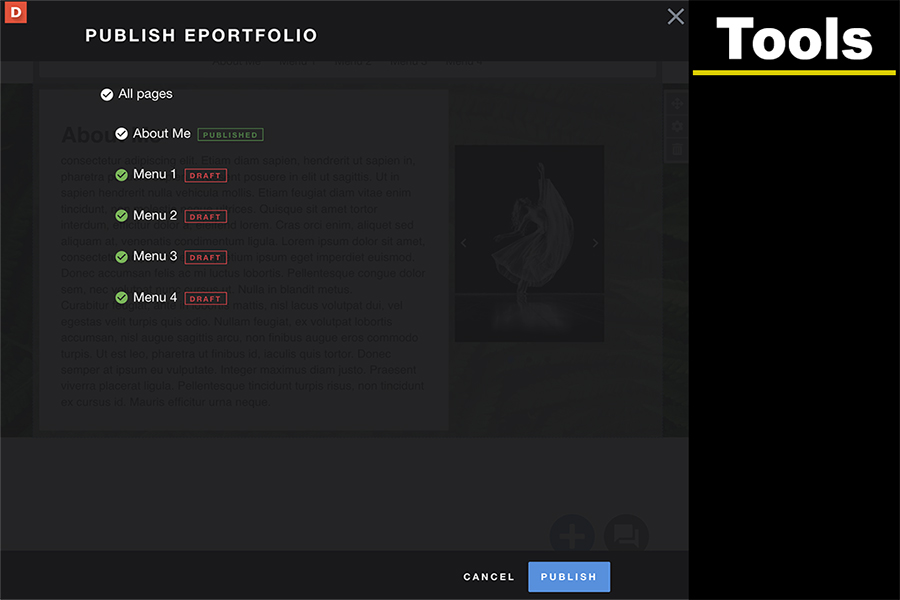
Publishing Pages
Here you will be guided through the steps of publishing, which is required for your professor to be able to view your eportfolio. Play Publishing Pages Video Tutorial
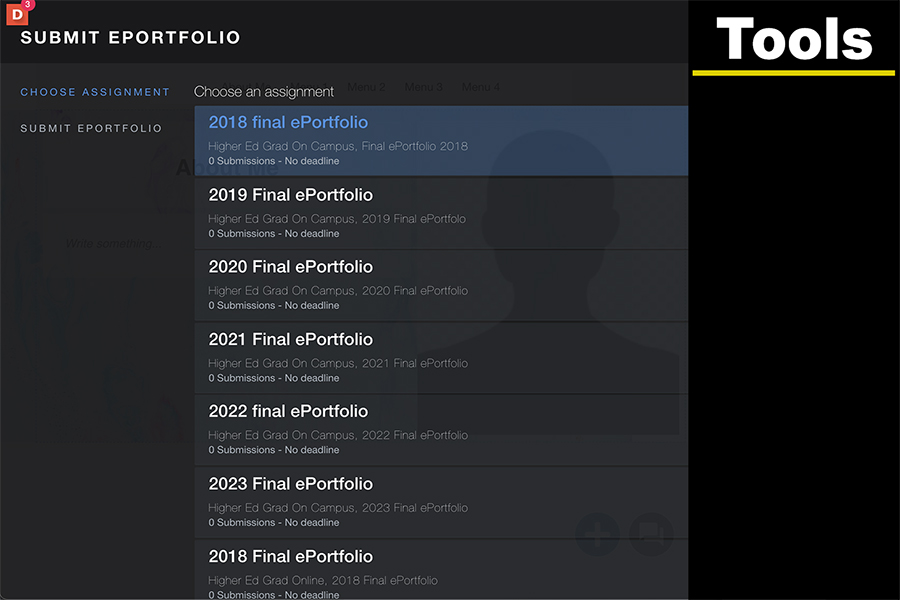
Submitting Your Aportfolio
Your professor may require you to submit your eportfolio. This tutorial explains how to submit your eportfolio to a course. Play Submitting Your Aportfolio Video Tutorial

Digication Login
Creating a well designed portfolio is a must. Use Digication to log in to Aportfolio and manage your ePortfolio. Alumni may sign in at appstate.digication.com.