
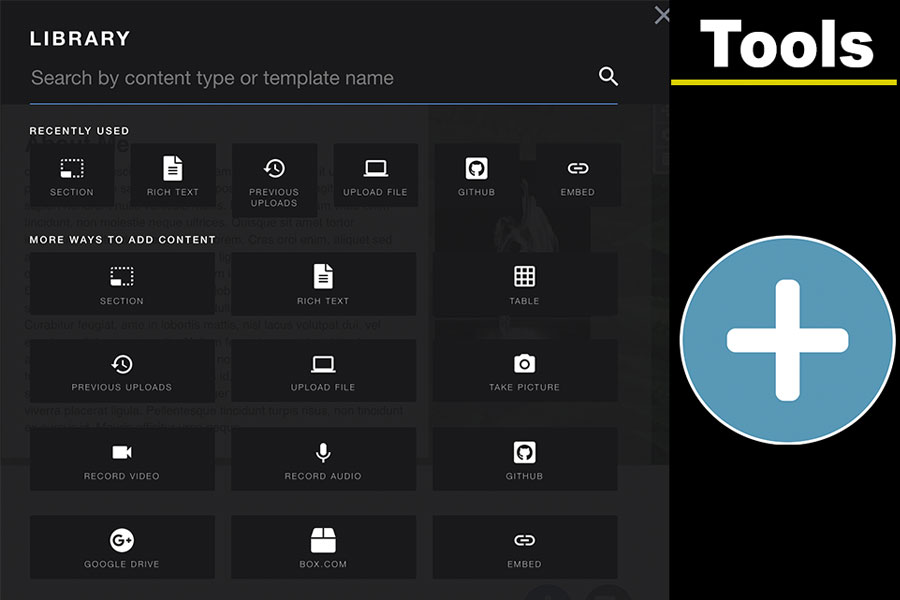
Adding Content
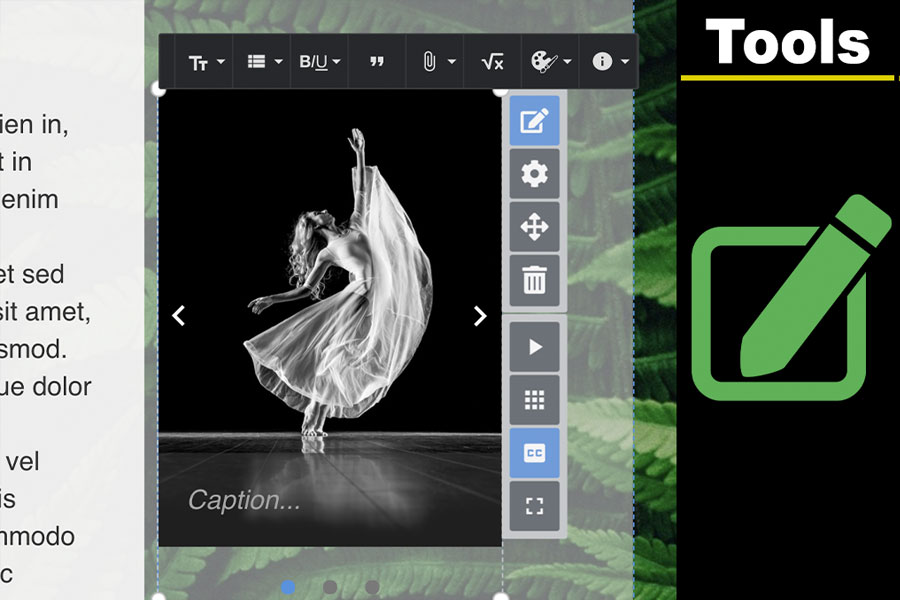
In this tutorial, you will be shown how to add different types of content to your eportfolio. Play Adding Content to your Aportfolio Video Tutorial
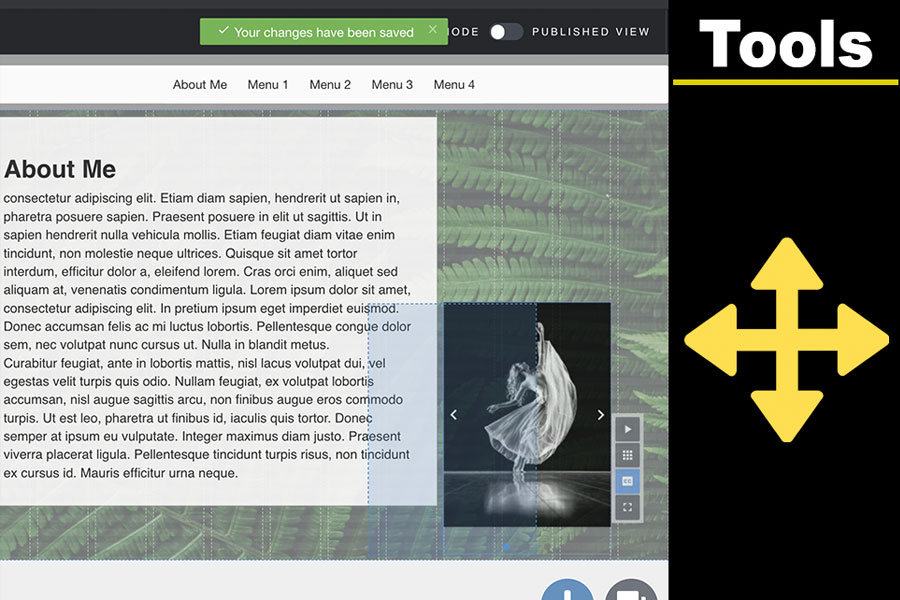
Moving and Resizing Content
View this tutorial to see how to move or resize content within your eportfolio. Play Moving Content in your Aportfolio Video Tutorial
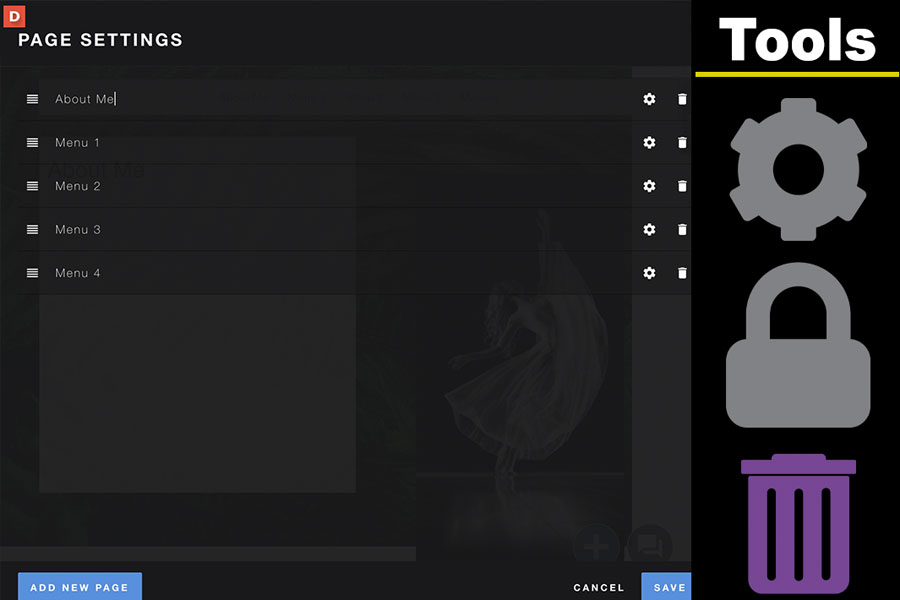
Editing the Navigation Menu
This tutorial shows you how to edit the navigation menu in your eportfolio. Play Editing the Navigation Menu Video Tutorial
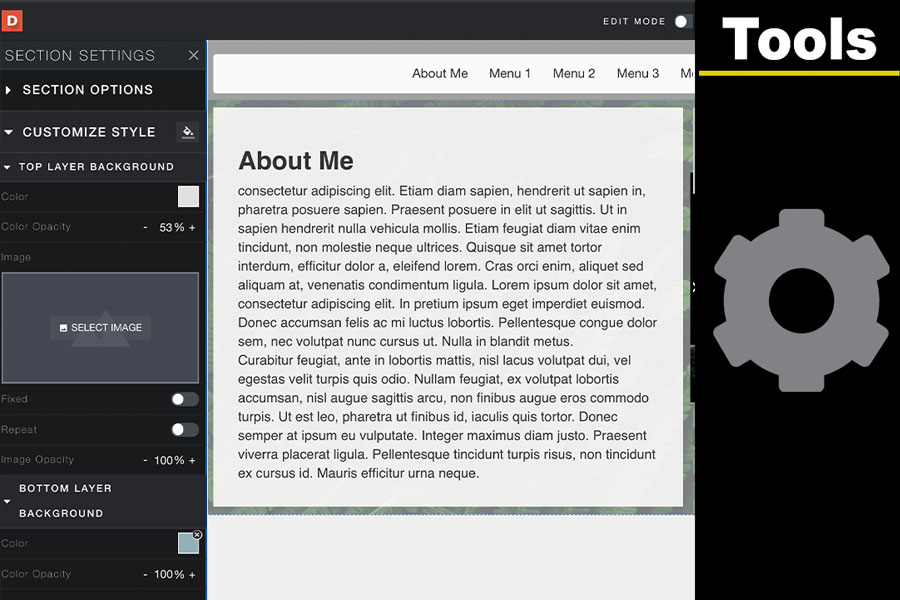
Editing Page Backgrounds
Here you will learn how to edit the color or background image on your top and/or bottom layers of your page.
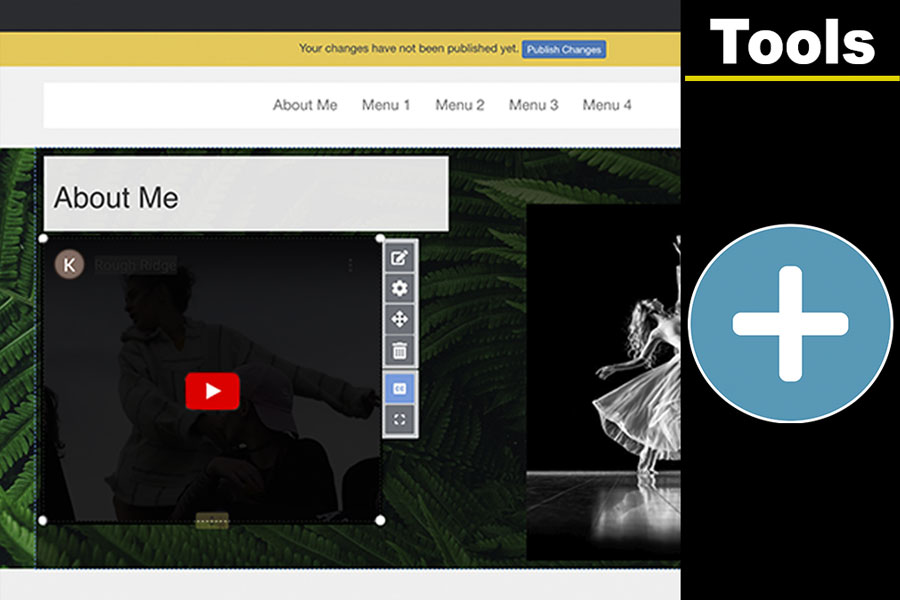
Embedding Videos
In this tutorial, you will be guided through the steps for embedding videos in your eportfolio.
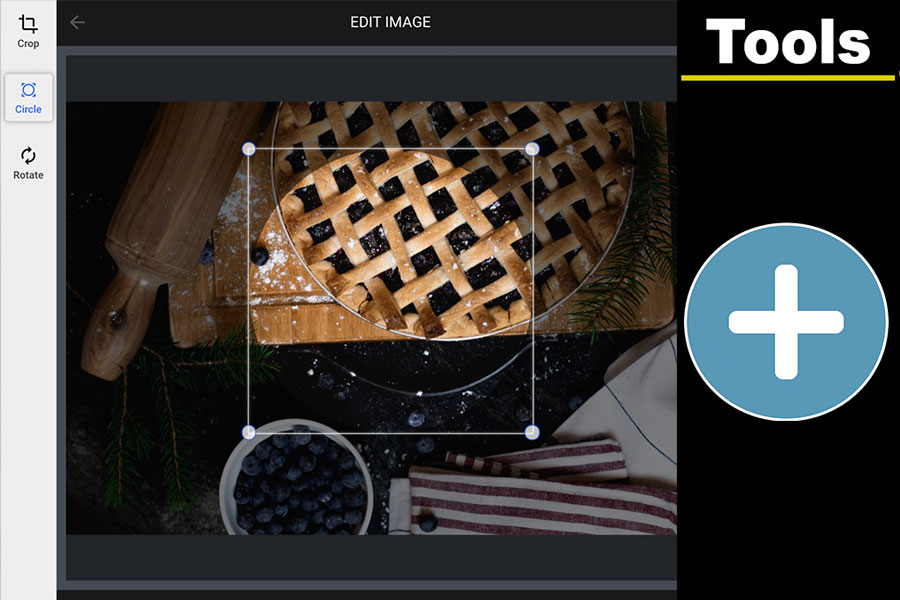
Uploading Images, Cropping, Rotating, and Circles
This tutorial will show you how to upload an image to your portfolio. You will also learn how to rotate an image, crop an image, and turn your image into a circular image.

Digication Login
Creating a well designed portfolio is a must. Use Digication to log in to Aportfolio and manage your ePortfolio. Alumni may sign in at appstate.digication.com.